E-Mail Signature Generator
|
Sevara RAGİM
|
|
|
İç Mimar
|
|
|
M: +90 533 923 27 74
|
|

|
|

|
|
|
Güzelhisar Mahallesi, 41. Cd. No:2, 06750 Akyurt, Ankara
T: +90 (312) 847 5171 F: +90 312 847 5170 Hello@Mikodam.com www.mikodam.com |
|

|
|

|
|
How to add my new signature to my Google Account?
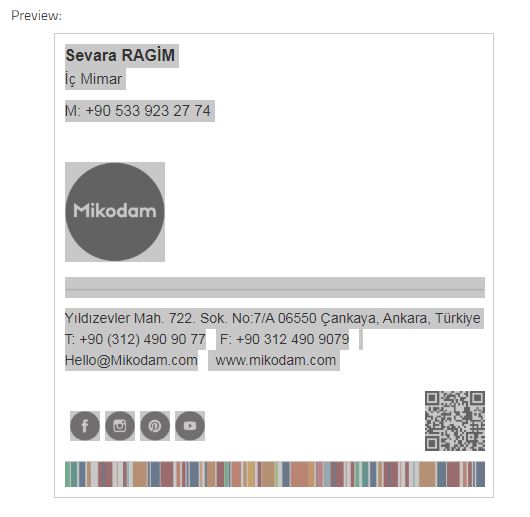
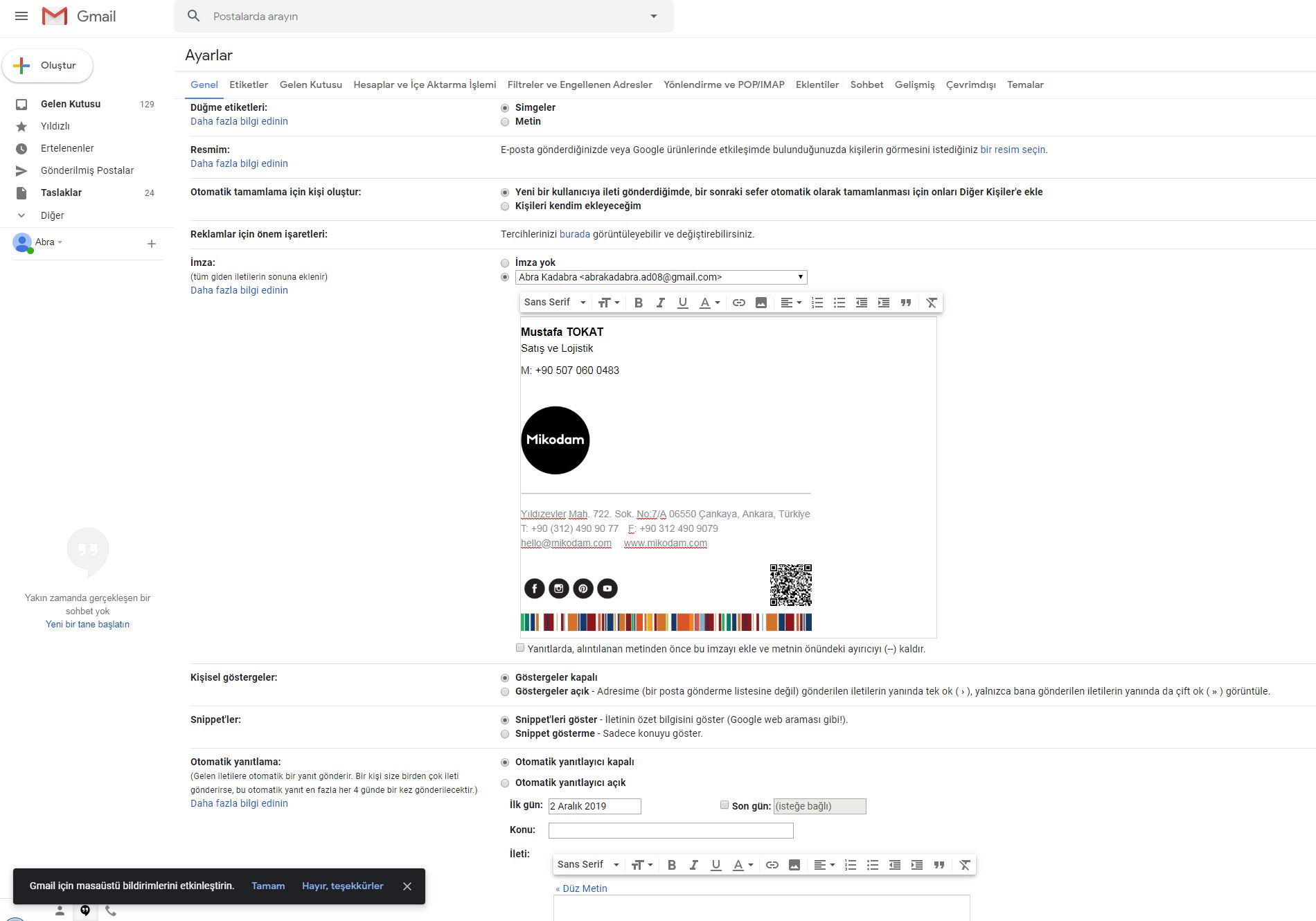
Select and copy everything on preview area. Then paste it to the signature box on Gmail Settings section as shown below.
How to add my new signature to my Outlook?
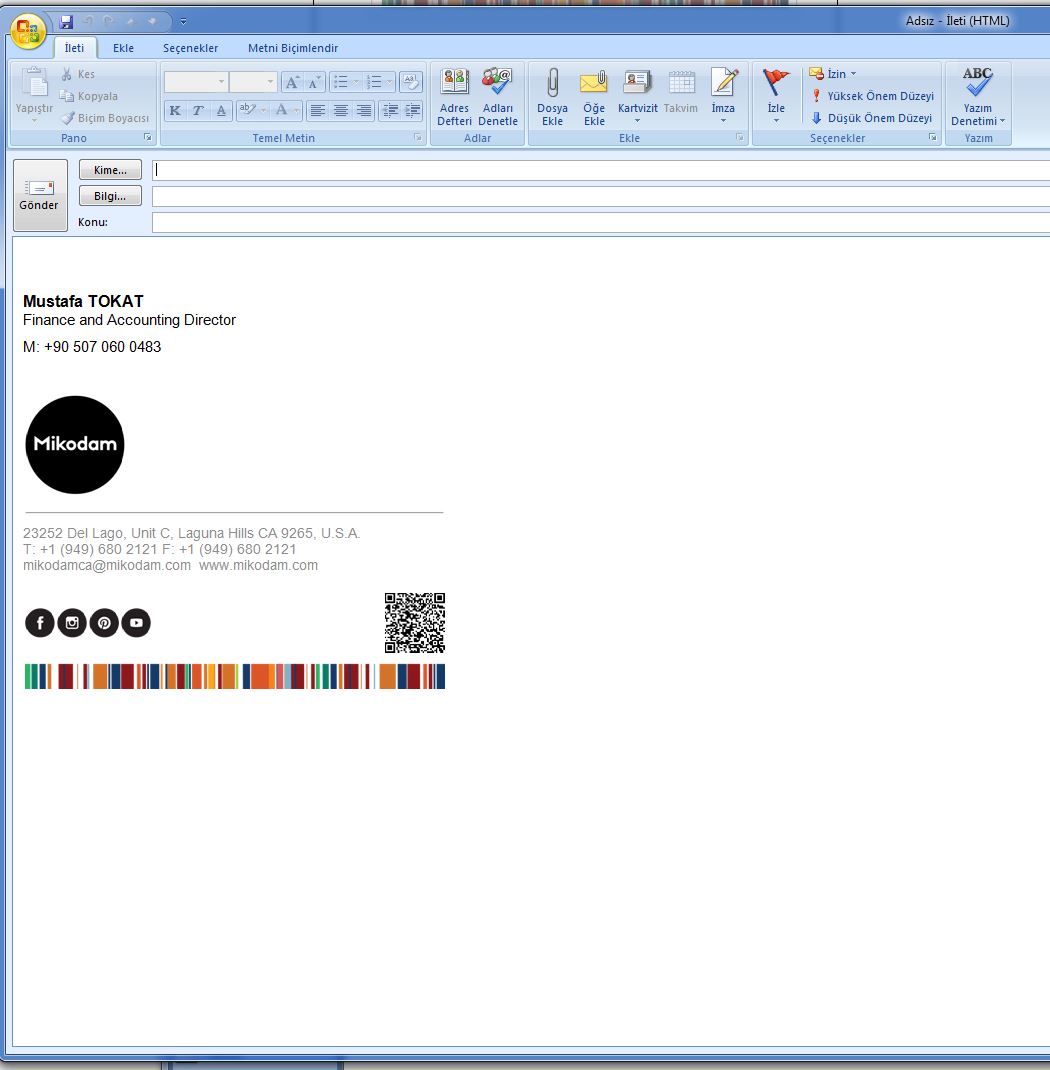
- After generate your signature. Click Copy Signature button.
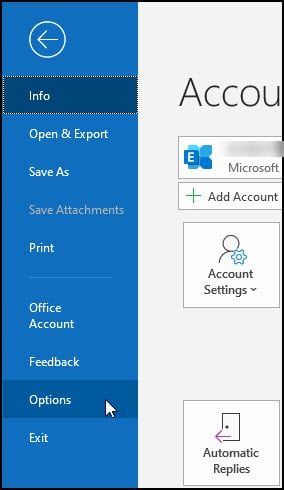
- From the File menu, select Options.
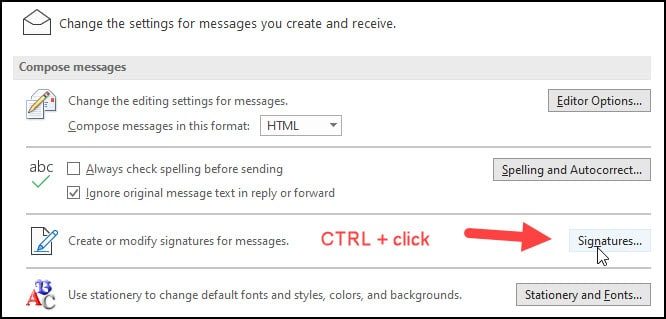
- From the Outlook Options dialog, click Mail.
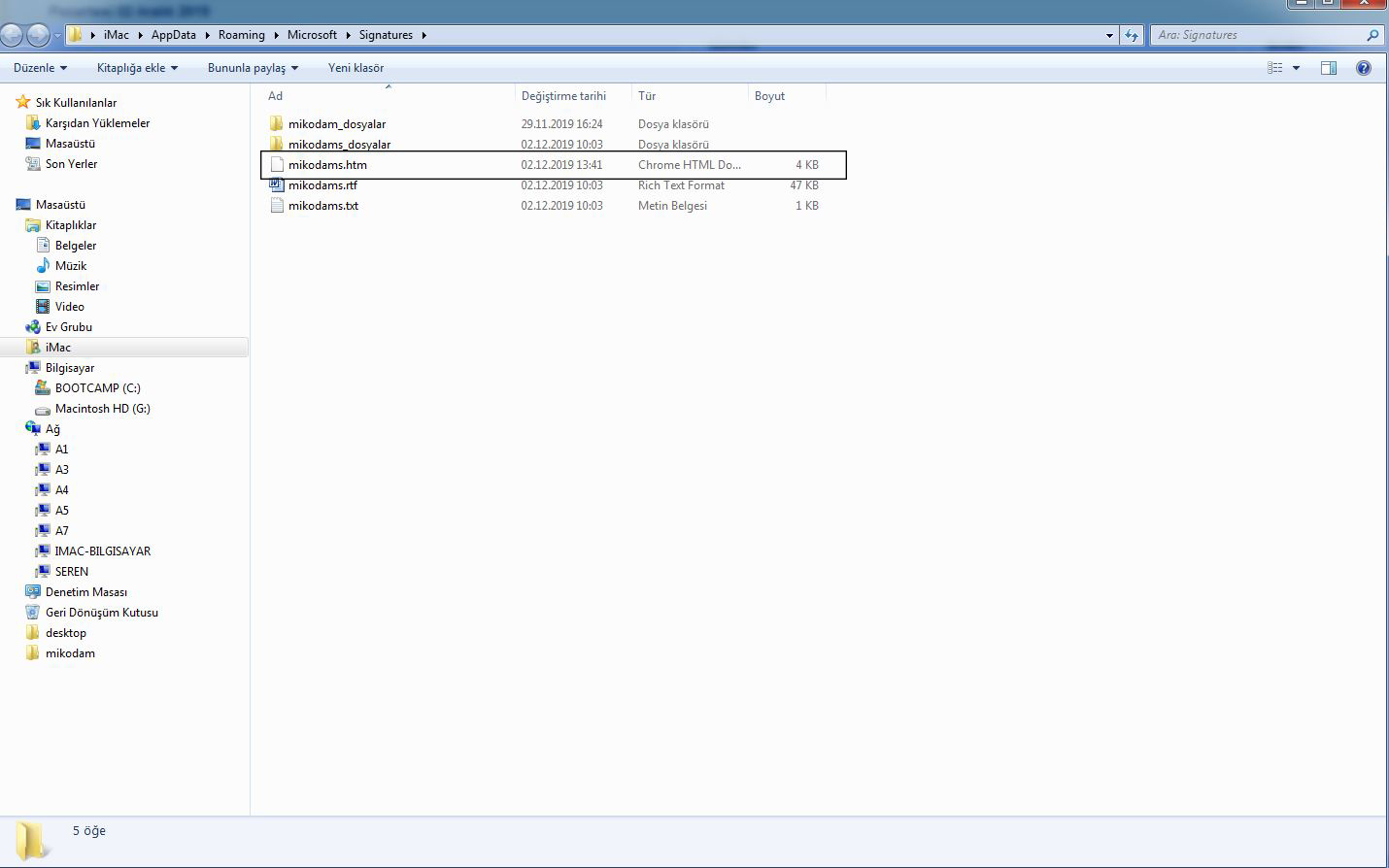
- On the right side press CTRL and click the Signatures button.This will open the apps folder that contains your Microsoft Outlook signatures. Usually, it is the appdata\roaming\microsoft\signatures folder.
- Remove everything and paste your signature to .htm file in this folder.
- Close the folder and return to Outlook Options.
- Click OK.